How do you use Tags?

Tags are a great way to customise Stash Hub, as they allow you to filter your records in any way that makes sense to you.

Here is a link to the Tags Tutorial so you can find out more about how Tags work.

I’m really interested to hear about how Tags work for you. Let me know in the comments what categories you’ve set up using tags - I’m sure we can all get some great ideas!

Here are some ways that I use tags:

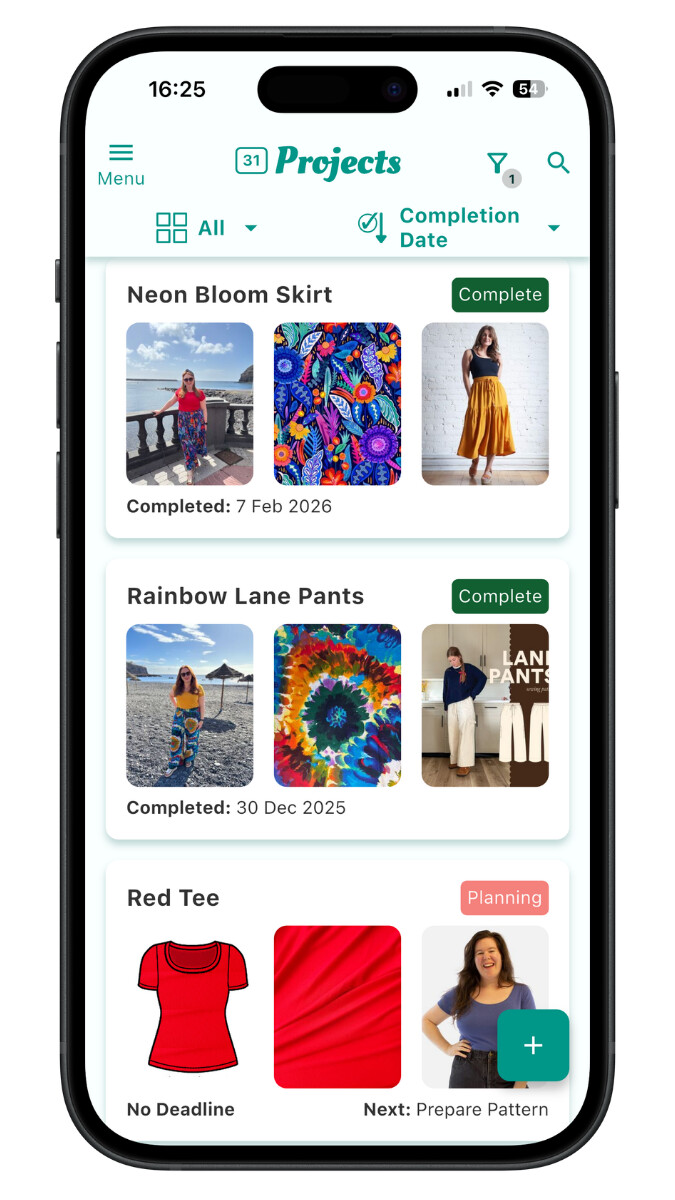
  1. I created a ‘Holiday Capsule Wardrobe’ in Projects

  1. In the Inspiration section I use tags to record the source (e.g. ‘RTW’)
  2. For patterns I’ve created a tag ‘Free’ so I can easily filter for free patterns when the Sew Frugal challenge comes around

@ClaireSews Shared a great post about how she uses Tags here: How I use Tags to Filter my PROJECTS :calling:

@BlossomSandwich :smiling_face_with_three_hearts:

Some other ways that I use custom Tags…

Fabrics

Multiple Cuts of same fabric

use my custom Tag “:1234: Multiple Cuts of Same Fabric:blush: (so I can use Filters to look for them later if need be).

====================
Patterns
How I Manage Multiple Copies of the Same Pattern

Copyright month/year

Currently I use the “Tags” to write 1970s, 1960s etc. to denote decade for my patterns.

====================
Inspiration
Saving tips and techniques

I use them several different ways, but I think the one that’s most helpful that I use most often is a “Series” tag. This is specific to my patterns. Some designers release patterns in a series that are interchangeable with other patterns in that same line. For instance, Cashmerette has their Upton patterns (all woven dresses where the tops, bottoms, and sleeves mix and match) and their Grafton ones (which are knits). Charm Patterns has their Stanwyck line (all of which have a darted bodice) and the Lamour line (which are princess-seamed).

So I have a set of tags that begin with the word “Series” and when I add a pattern, if it applies, I add the tag. That way, I can quickly find all the patterns that mix-and-match together.

I have a set of tags that begin with “Person” that I can use any time I buy fabric or a pattern with a specific person in mind. When I pick up fabrics that will make great shirts for my husband but I don’t have any immediate plans to sew them, I simply tag the fabric “Person - Jim”. Same goes for my Mom … when we’re out together and she buys fabric for me to sew her something months down the road, it goes in as “Person - Mom”.

Being able to tag inspiration and patterns that way too make it easy to pull them up when we sit down to plan together.

Likewise, I’m starting to include “Event” tags. I used “Event - 2026 Burdine Wedding” for everything that had to with my stepdaughter’s wedding: fabric, projects, and patterns. Now it’s nice to be able to see all the completed wedding projects quickly, or to look at all the leftover fabric I have that was specifically purchased for the wedding.

…you get the idea. :slight_smile:

Ah, what a great idea! Then you can see all the patterns that you can hack together at one time!