I’m really struggling with the line drawings aspect of my patterns. The ones shown on the patterns don’t show the variations of the pattern very well and a lot of them have more variations than I can add into the line drawings space of a pattern. What can I do so I can see a better representation?
Welcome to the forum @JukeGen 
 .
.
Can you please clarify… are you finding that…
-
“Magic Input” is automatically adding low-quality Line Drawings (e.g. fuzzy drawings from the webpages of the pattern shop you are buying from) - as this could for example mean a software issue with the app.
-
OR… that you’re disappointed with the low quality of images you can find online to download/add manually for a pattern? Sometimes I’ve found that searching further on the web can yield higher resolution (sharper file versions images) on a different website.
-
OR… Are the drawing images swamped with lots of extra empty space and the drawings tiny and hard to view in the centre? *I’ve found using the app to “Edit” pictures to crop off excess dead space makes the drawing easier to view
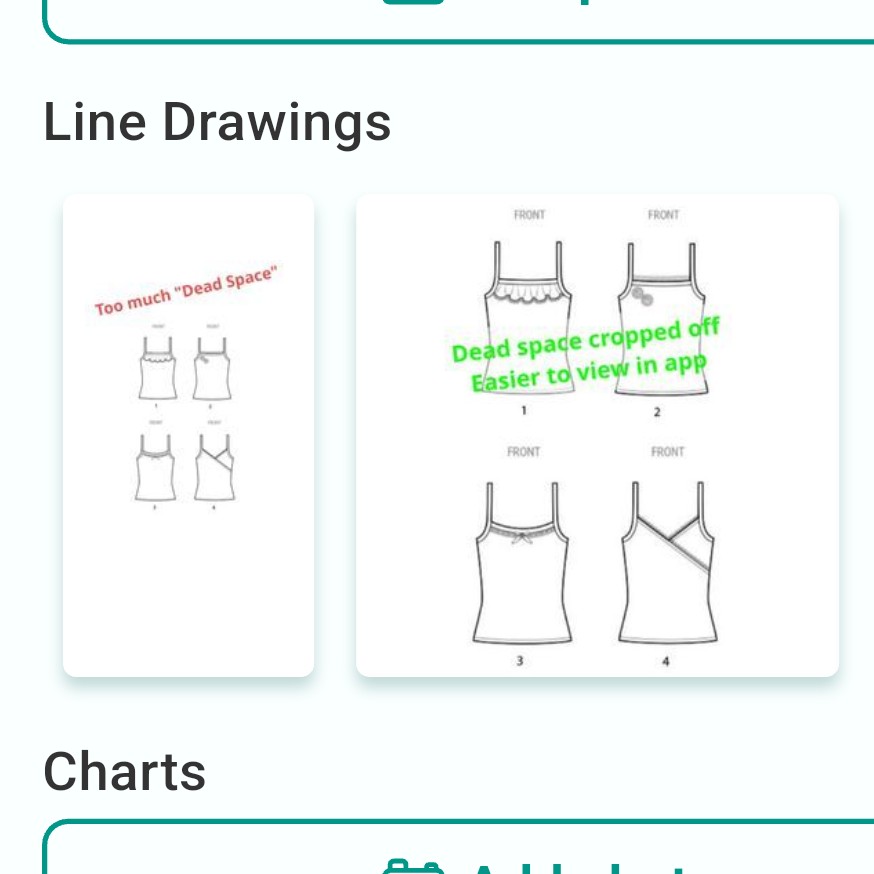
- OR… Do you have tonnes of drawings but have used up all x4 “Line Drawings” spaces? I used picture editing tools to make a combined collage to create a new image and upload that instead

With the latest update we can have 8 pictures or line drawings - this might solve the issue if you’ve used up the 4 we had previously
I think my issue is the line drawings that come with my patterns, some of them don’t have any and the ones that do, won’t work in the magic mock up for some reason
@JukeGen sadly it sounds like…

As I understand it Magic Mockup requires decent quality drawings to work, so its definitely a shame if pattern companies do not provide any suitable drawings that could work
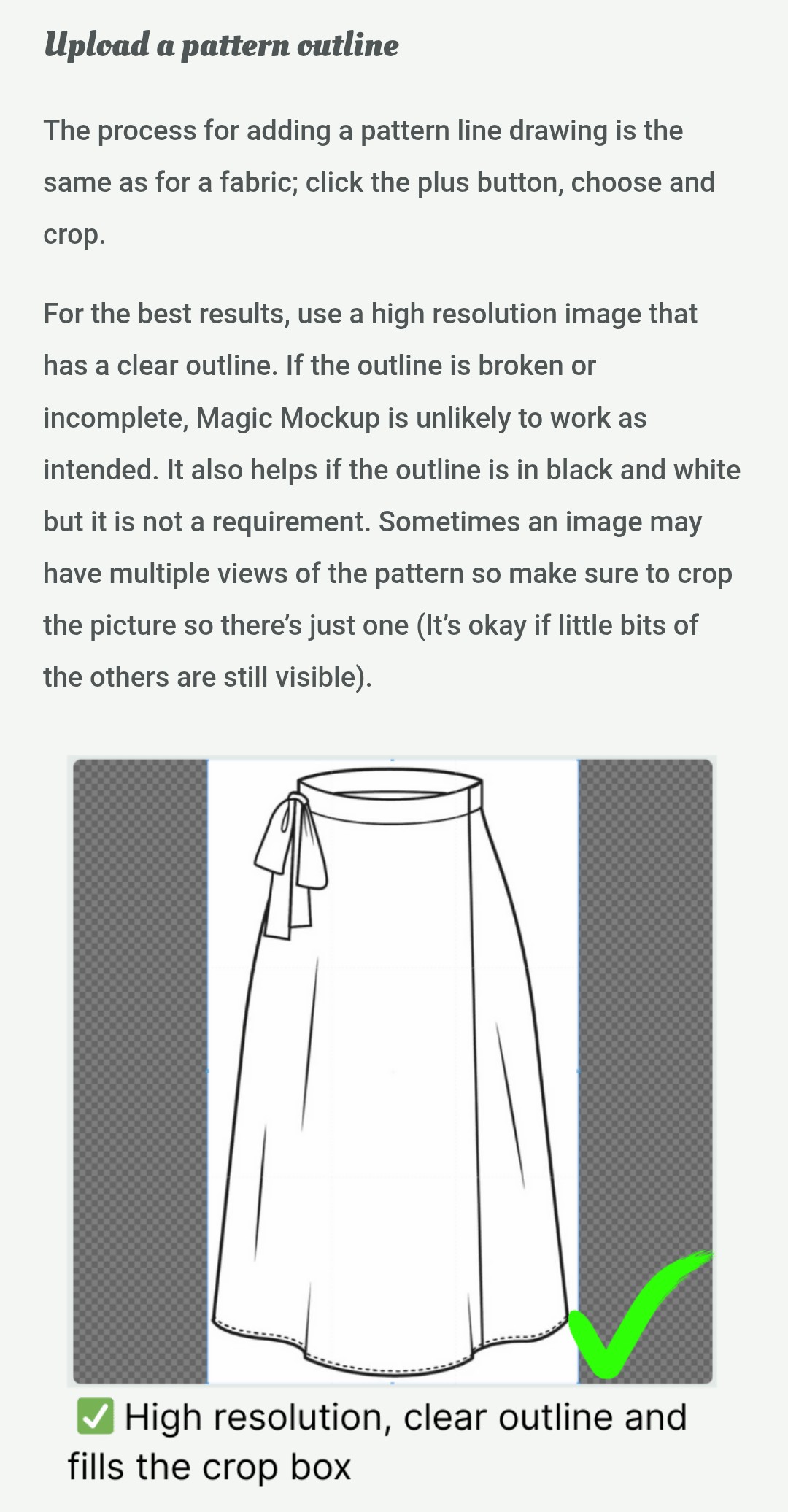
I find that the line drawings are sometimes in the instructions (assuming you’ve already got the pattern) I take a screenshot or snip of the page and add that to my Stash Hub record. These line drawings are often better quality and work with Magic Mock-up.
Hi welcome to the hub. 