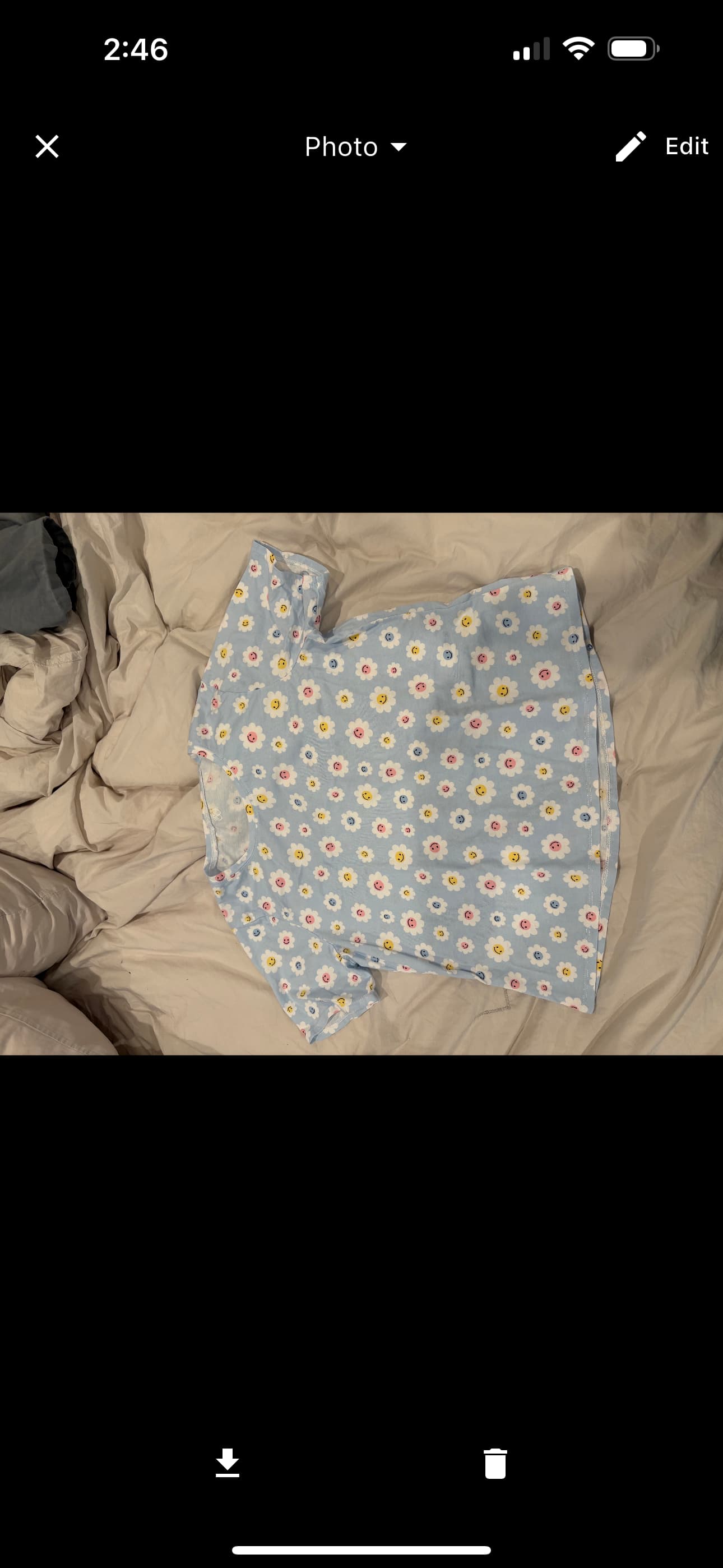
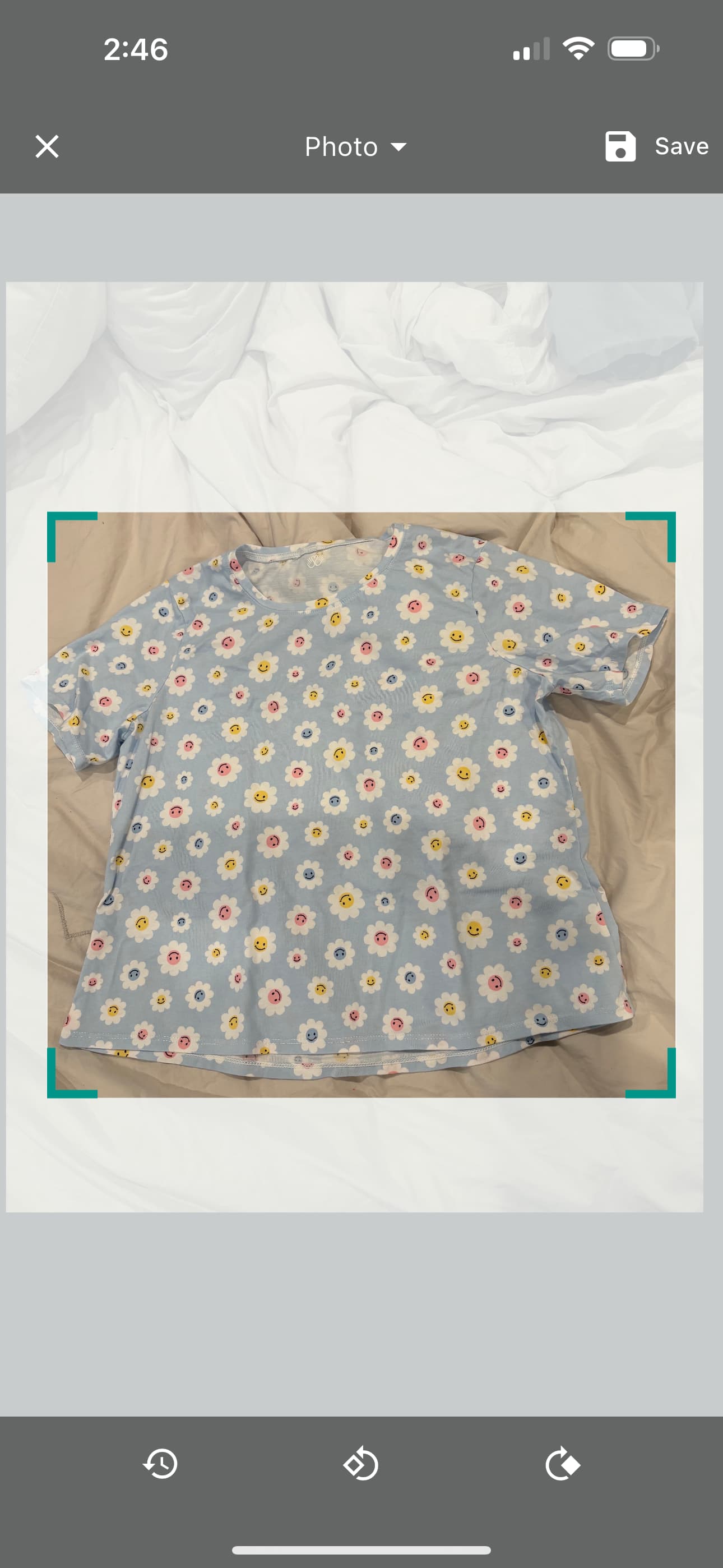
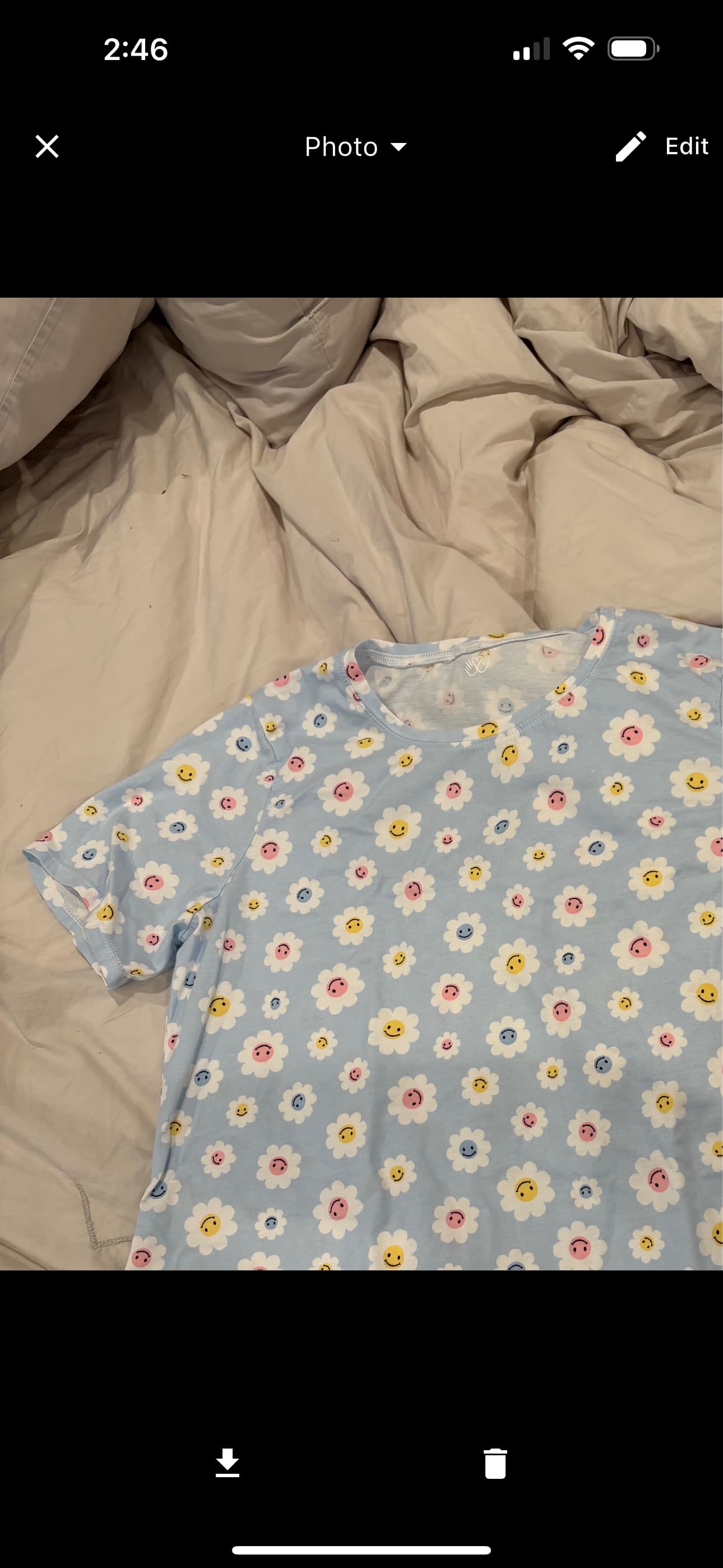
I always upload photos of my makes and then rotate/zoom/crop so I can easily see them later. Since the latest update, when I save my edits, the saved photo keeps my zoom level but disregards my panning. So I end up with a photo that has the same top left corner as my original photo and then it cuts off part of the lower right. It used to save the photo exactly as I had edited it.
2 Likes
Thanks for reporting this. I am able to reproduce it. I’ll aim to get a fix out in the coming days.
Track the progress here: Stash Hub Roadmap · GitHub
1 Like