I find that the "Queue " doesn’t really work for me as it is. I would like my projects to be in a certain order on the first screen, the projects screen. It doesn’t make sense to me to have 2 different screens with the same content just in a different order. It would be nice if we could organise the order of the projects in the same manner we organise pictures in the Project screen, by moving them to the desired spot on the list. Am I the only one?
7 Likes
I do use the Queue and have often wished that I could reorder projects by dragging them to a new spot in the order, as @Veronique suggests. I find the current method of reordering them clunky and time-consuming - the only options being moving a project up or down one spot at a time or to the top or bottom of the queue.
6 Likes
@Veronique I know that on the app Roadmap plan Doug (@TheWizard) has 2 things noted that I believe may in the future help re: sequencing the order of Projects a little more along the lines that you were hoping for  …
…
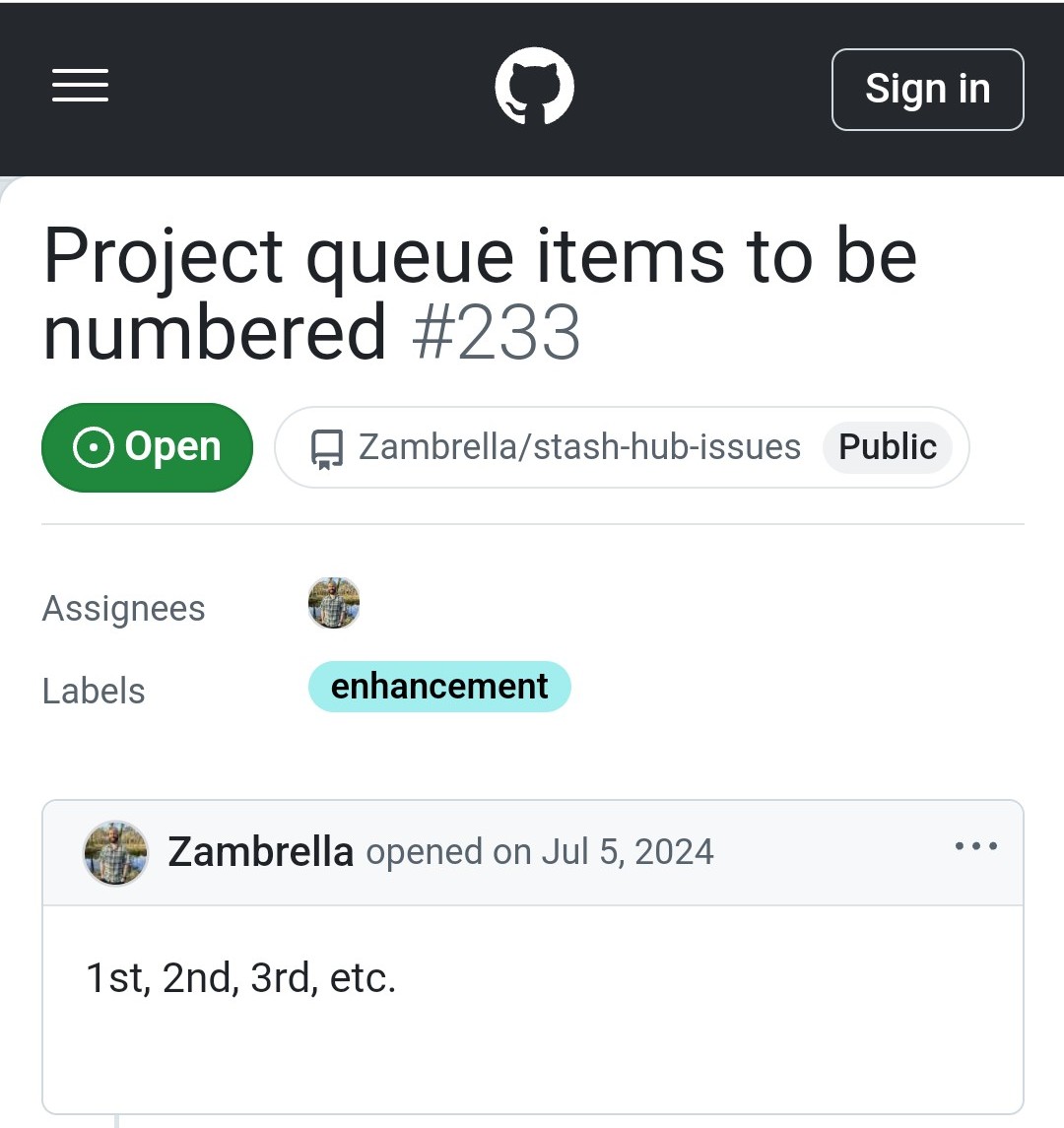
Project queue items to be numbered  233
233
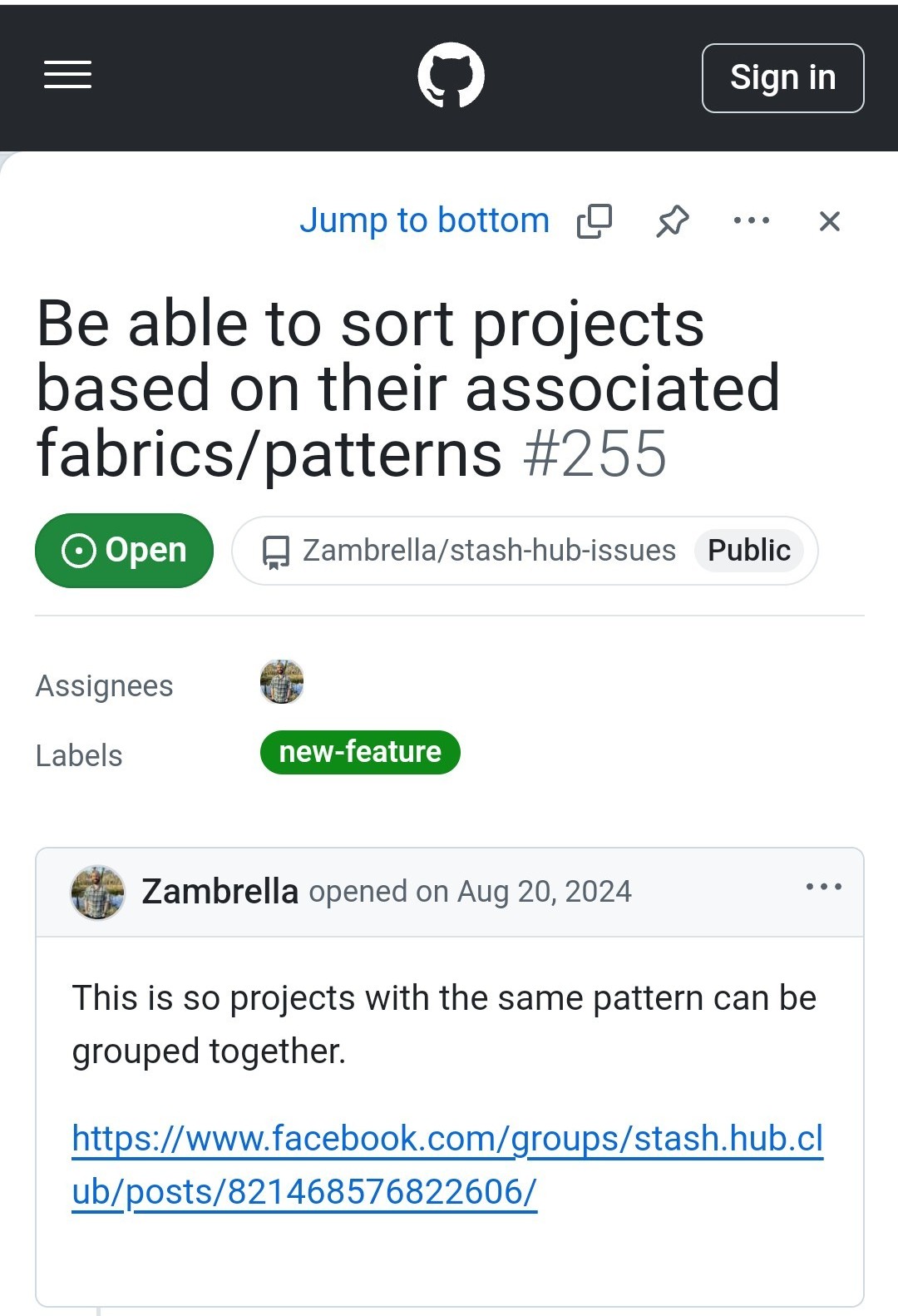
Be able to sort projects based on their associated fabrics/patterns 255
5 Likes
Thank you Claire!
1 Like
@Veronique you are most welcome 
1 Like