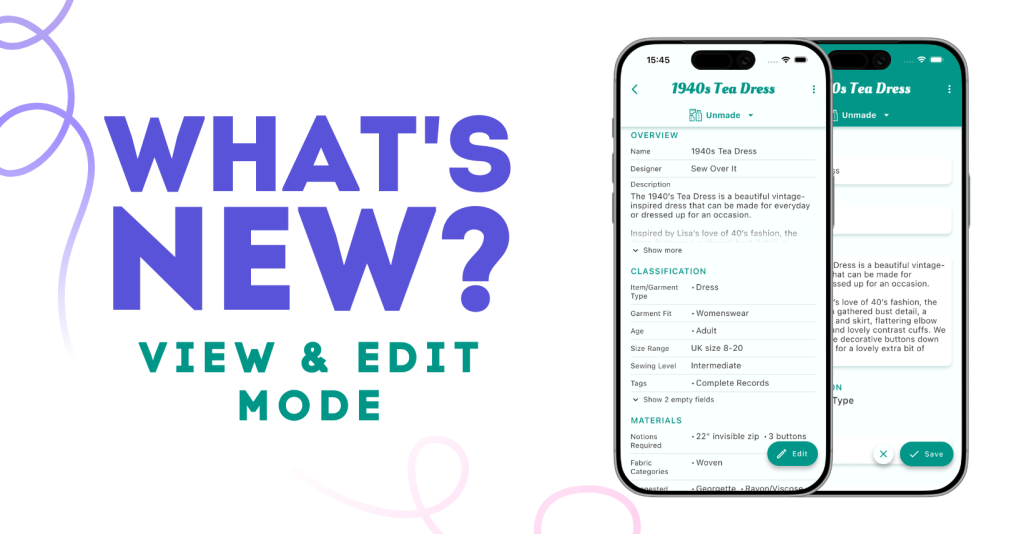
A big new update is available for Stash Hub. For all the info checkout: A new way to view and edit records in Stash Hub - Stash Hub
Please let us know if you have any questions or feedback.
A big new update is available for Stash Hub. For all the info checkout: A new way to view and edit records in Stash Hub - Stash Hub
Please let us know if you have any questions or feedback.
I like the new look.
I was playing with the new “versions” feature for measurements and found that if you create a new version and then delete it, it also deletes the entry that it spawned from, even if you don’t actually finish and save the new record. Consequently, I’ve lost the measurements associated with two projects. Is there any way to get them back?
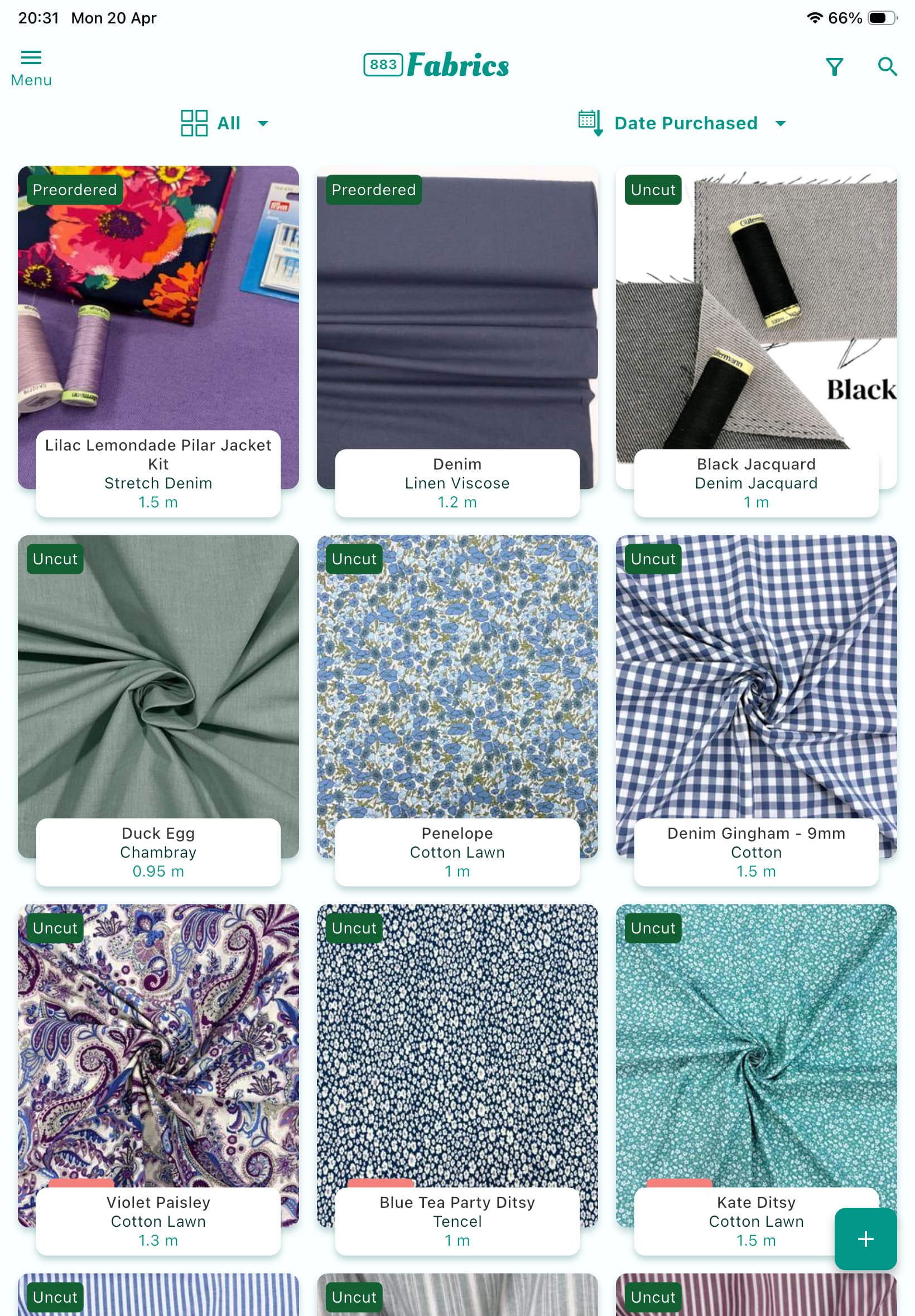
On two of the new fabrics I’ve added today since the upgrade, I have created new projects from the fabric pages. Whilst they are showing in the not complete projects the fa rich do not have the coloured tab attached to them like they used to. Projects that I have linked previously in the same way still have the coloured tab showing.
On the attached photo the top right and top left have planned projects as do the bottom three - note the missing pink blocks on top right nd top left fabrics?
Is this a bug that can be fixed?
EDITED TO ADD that I have just tested creating a nephew project from the project section and adding the fabric to that and the pink box has appeared on that fabric.
Thanks for reporting this. I shall get a fix out ASAP.
Not sure if anyone else has had this issue since the update but when using magic input it’s not importing the photos on fabrics or patterns. When I use magic input, it finds the photos, I select them (or leave selected) but they don’t come into the record. It says “no photos”. I then manually go to add photo and add the url and it works fine to add to the record. I’m at home with excellent broadband so it’s not that. I was using pound fabrics and original digby.
There was a bug. Please update to the latest version and it should all work as expected.
Thanks Doug! Updating now. 
@TheWizard I do not know if it is an intentional change to the UI of the new updated version, but the ability within an individual record to “Manage field” has disappeared  ?
?
I can now only do so by going to…
Settings > Field Suggestions.
I’d much prefer having the ability to still manage fields from within a record.
For example, I just now needed to edit the text on a Notion that I had added ages ago to a particular Trouser pattern New Look 6055 and I was not sure if the Notion was unique to NL6055 (i.e. I did not know if I could safely delete it + then re-type a fresh Notion, or if I had used the same “Notion” in more than 1 pattern… in which case deletion was not a good idea  ). Previously, I could Manage the Notions field suggestions from within the pattern record of NL6055, this time I had to memorise the specific text, then
  exit the pattern record,
  open the left-hand side menu,
  go to settings,
  open field suggestions,
  navigate to Notions fields and then…
  Edit the (Notion) field. It’s too many extra steps
I second this. I am just starting to use the updated version and I absolutely love the new look, it’s so much easier to quickly get an overview just by a glance, but this very issue creates a lot of extra work just to edit the name of a tag (noticed a misspelling so wanted to quickly correct it). I really want the “Manage” option back within the record, please. 
I love this!  Haven’t had time to use it much since the upgrade, but starting out now. It’s so easy on the eye, and one detail I appreciate particularly is that it’s possible to quick edit for exemple Tags even from the “View” view just by clicking the Tags area. I’m the kind of person who constantly add and change my tagging system, so this if very usful for me, not having to switch to “Edit” view.
Thanks for all the amazing work you put into this app!