Hi Doug @TheWizard! First, I gotta say that the updates to Magic Input are fantastic! So much faster and it’s catching more and generally better information. That said, a recent pattern I inputted gave me some frustration.
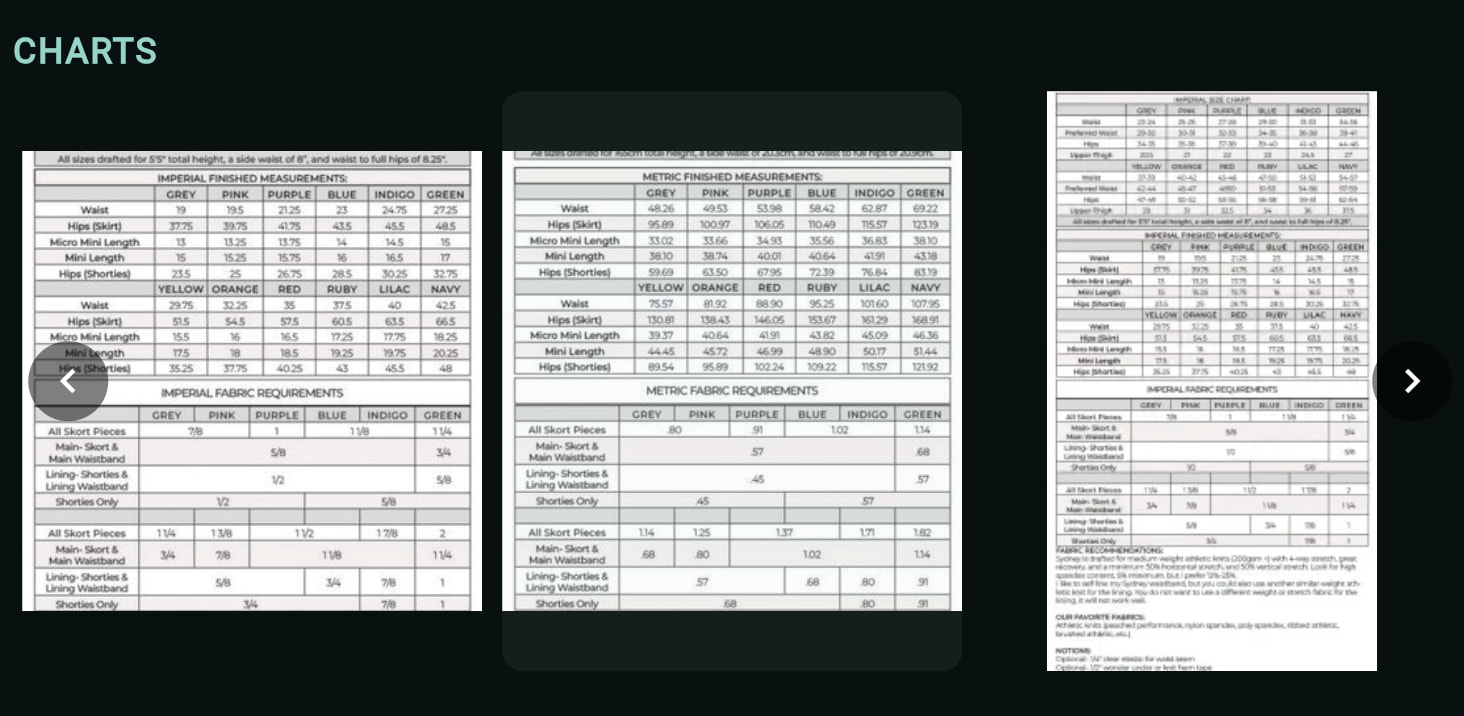
When I initially built the pattern entry via Magic Input, it automatically cropped every image to square regardless of the original dimensions. This caused loss of important data with the chart images that are tall rectangles.
I went back to the website and copied a link directly to the taller image and added that separately and that time it pulled the full image. The screen capture below shows the two square Magic Input images as well as the new image pulled separately.
In short, I think it is better that the images pulled during Magic Input use the original ratios rather than cropping to square. The biggest frustration for me is the charts, but the garment photos also cropped off parts that I would rather have in their original form.