I noticed this morning that the line drawing display on the pattern page has started to zoom in so that you can no longer see everything that’s in the image.
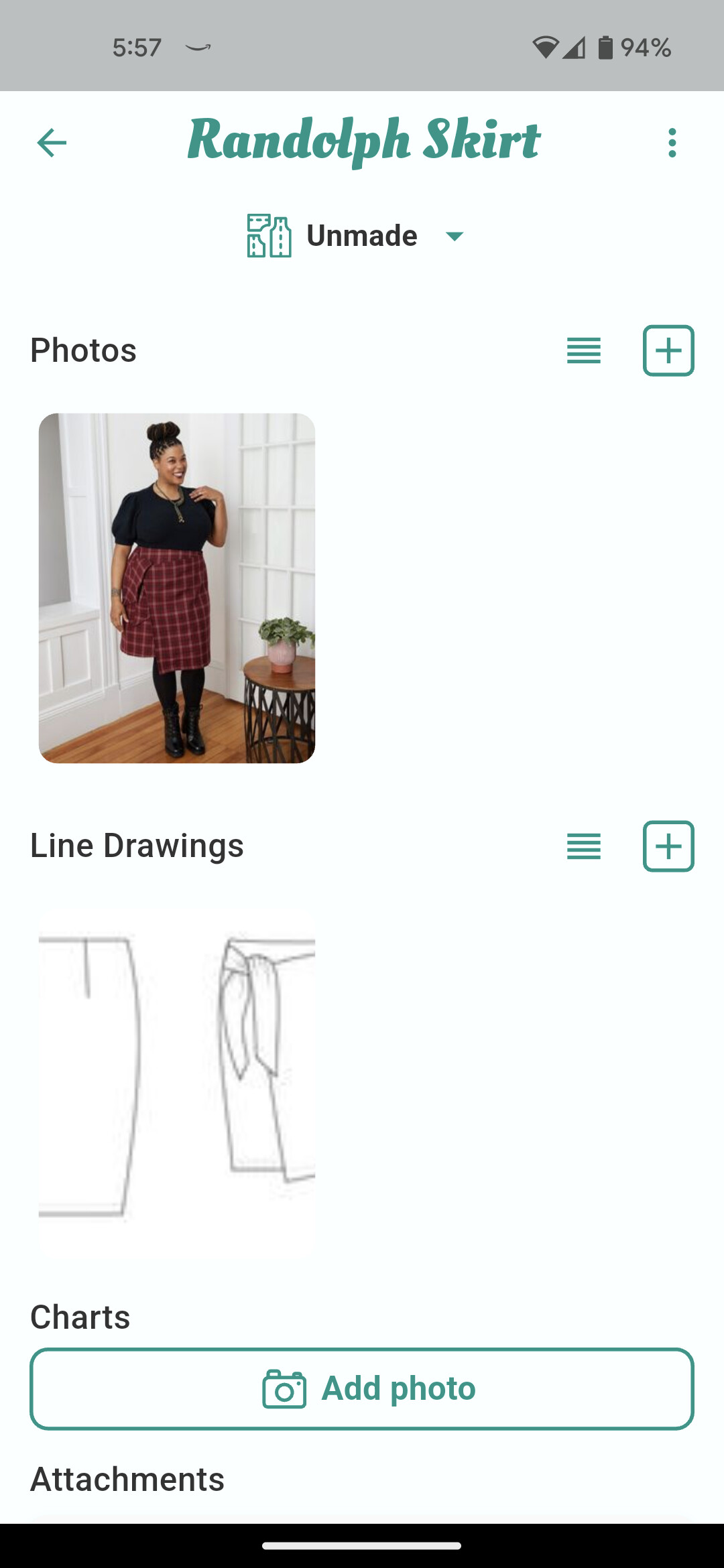
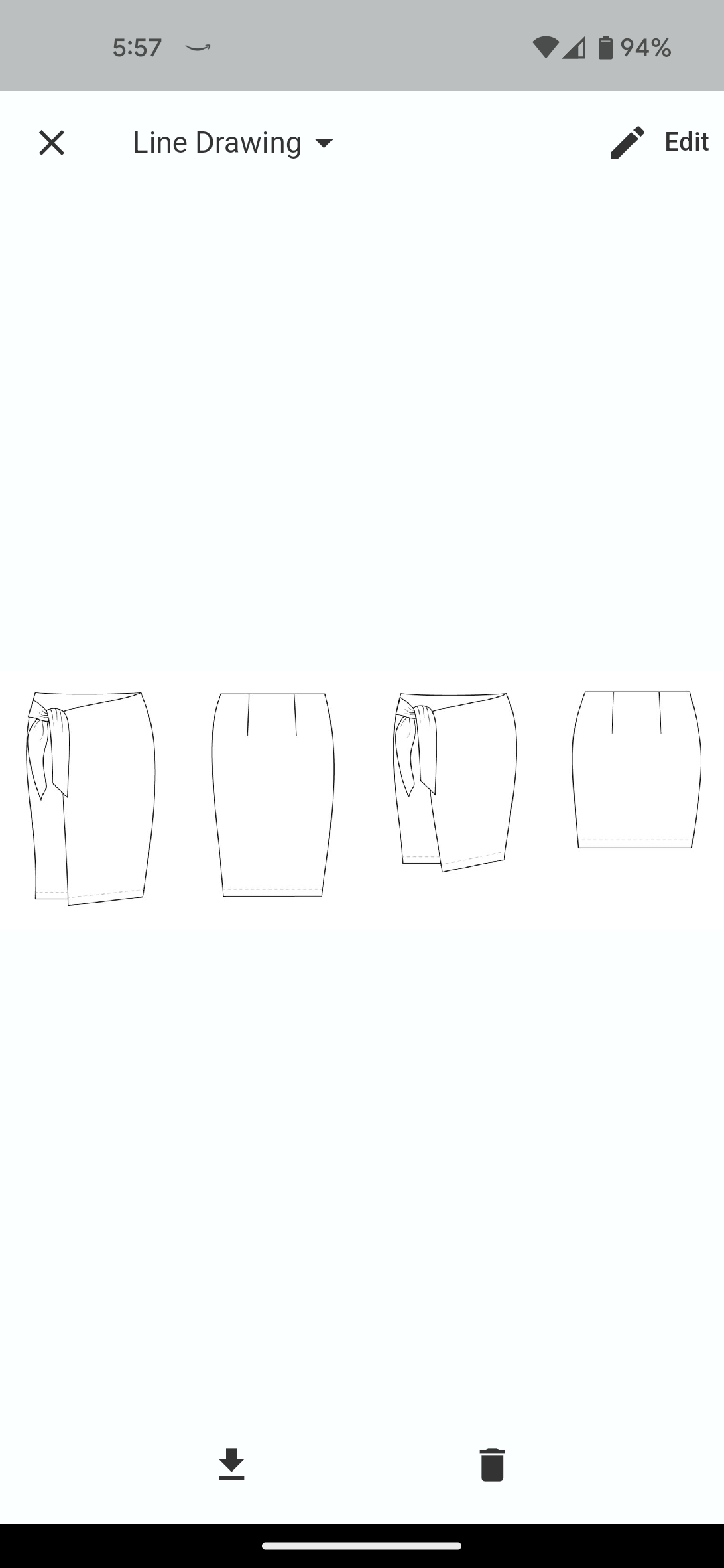
I spotted it too - it’s the same for me on both PC and IOS.
[Edit] The images now scale down for line drawings and charts
This is expected behavior as image previews are now a fixed aspect ratio (to prevent super wide images from taking up too much room). However, I can see how this doesn’t look great for something like line drawings which are likely to be random aspect ratios.
I’ll have a think about rectifying this. Might just have the image scale down to fit the aspect ratio.
3 Likes
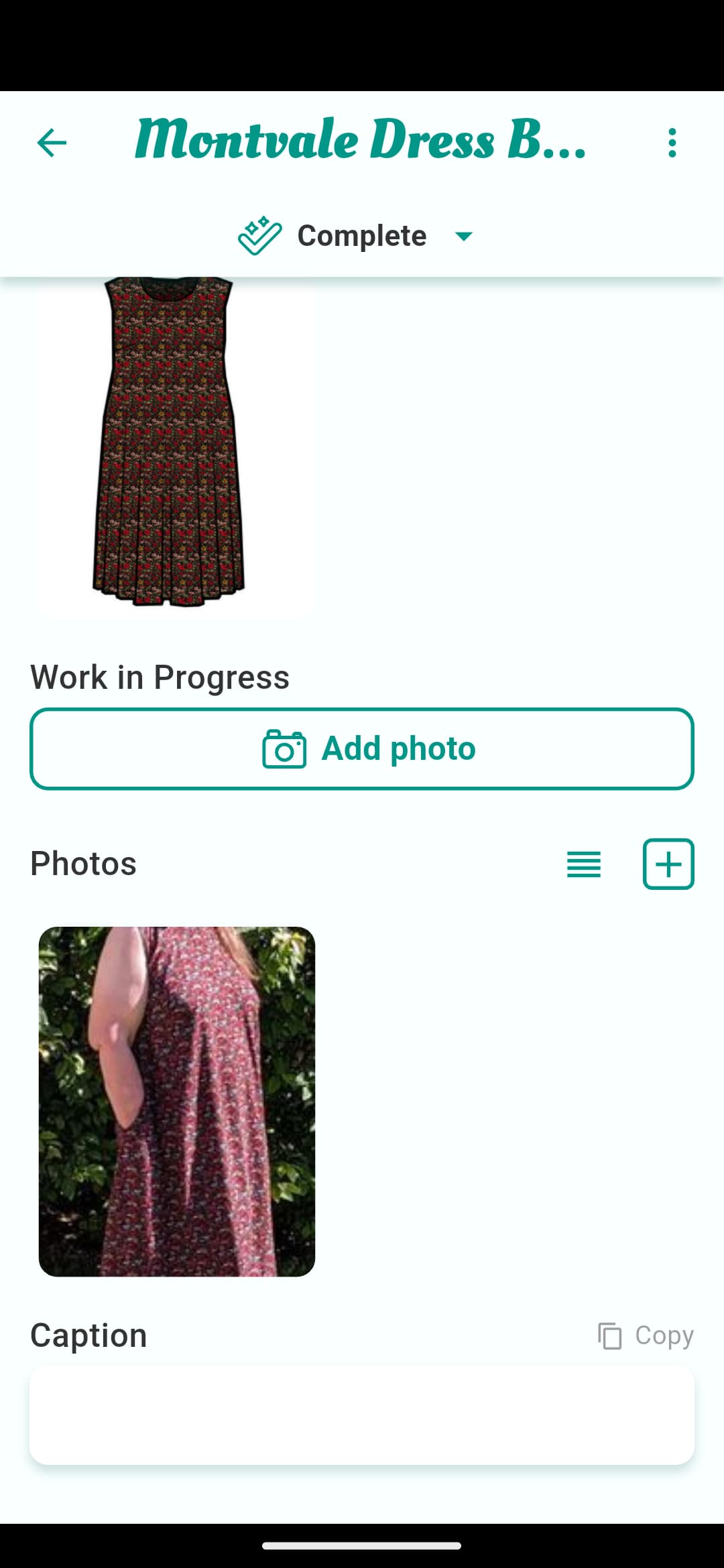
Is there a big need for this new behavior? I don’t really like finding myself decapitated in my pictures.
1 Like
I’ll look into it. It should top align but I might have missed that.
1 Like