I just added some fabric to immediately use it in a project.
I noticed in the fabric list that the fabric was still marked as uncut even if it was almost entirely used up.
Would it be feasible to set some rules to have fabric automatically change status from uncut to cut to remnant to scrap?
I do get that everyone has a different idea of what is a scrap and what I a remnant but cut to uncut is pretty clear.
There are a couple of things you need to do to get the fabric to update which are detailed in this tutorial. Specifically:
Update fabric length: Fill in ‘length used’ in the fabric card, then check off ‘cut out’. This subtracts the length used to update the remaining length and gives you the option to update the fabric status.
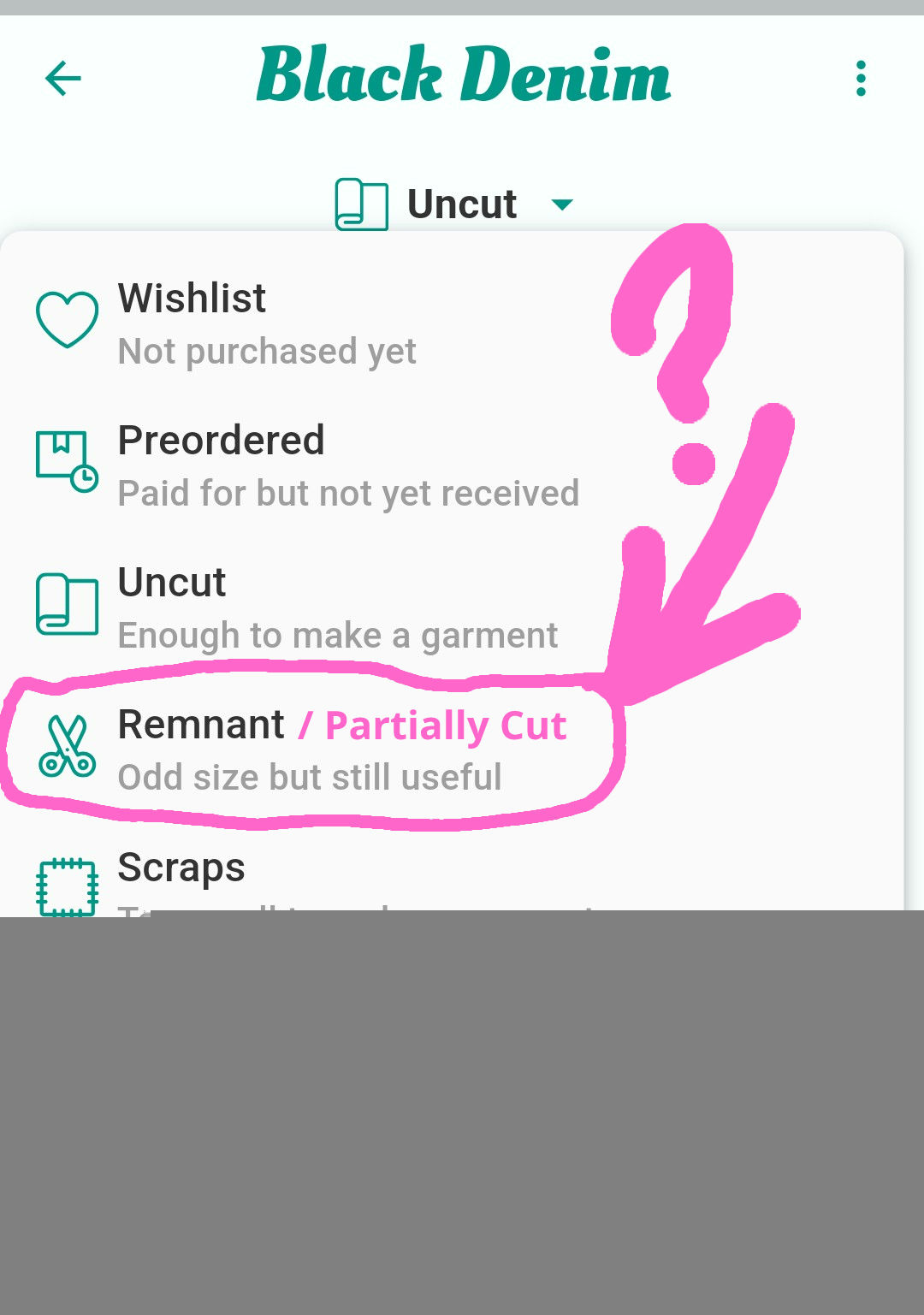
But there is no fabric status for cut.
I have some big pieces of fabric which is for more than one project. When I cut one project out of it it is the cut out it is not a remnant or scrap. I would really like a cut option please.
Hmmm
I did that. So I had my fabrics added and then used them in a project where I typed it how much I used but it didn’t update. Maybe it was a bug.
I’ll keep an eye out for it in the future. Thank you
Well that’s the best option but an example in my stash I had a 12 metre bolt of which I have used 3 metres so I still have 9 meters left. So this is not uncut but I wouldn’t call it a remnant. I just wanted it to be listed as cut but not scrap, remnant or used up.
You could leave it as Uncut (i.e. You have enough to make a garment). Then if you want to be diligent about fabrics which are “new” you could use a Tag to mark ones that have been cut. How does that sound?

 …
…